One Place for Every Conversation That Matters.
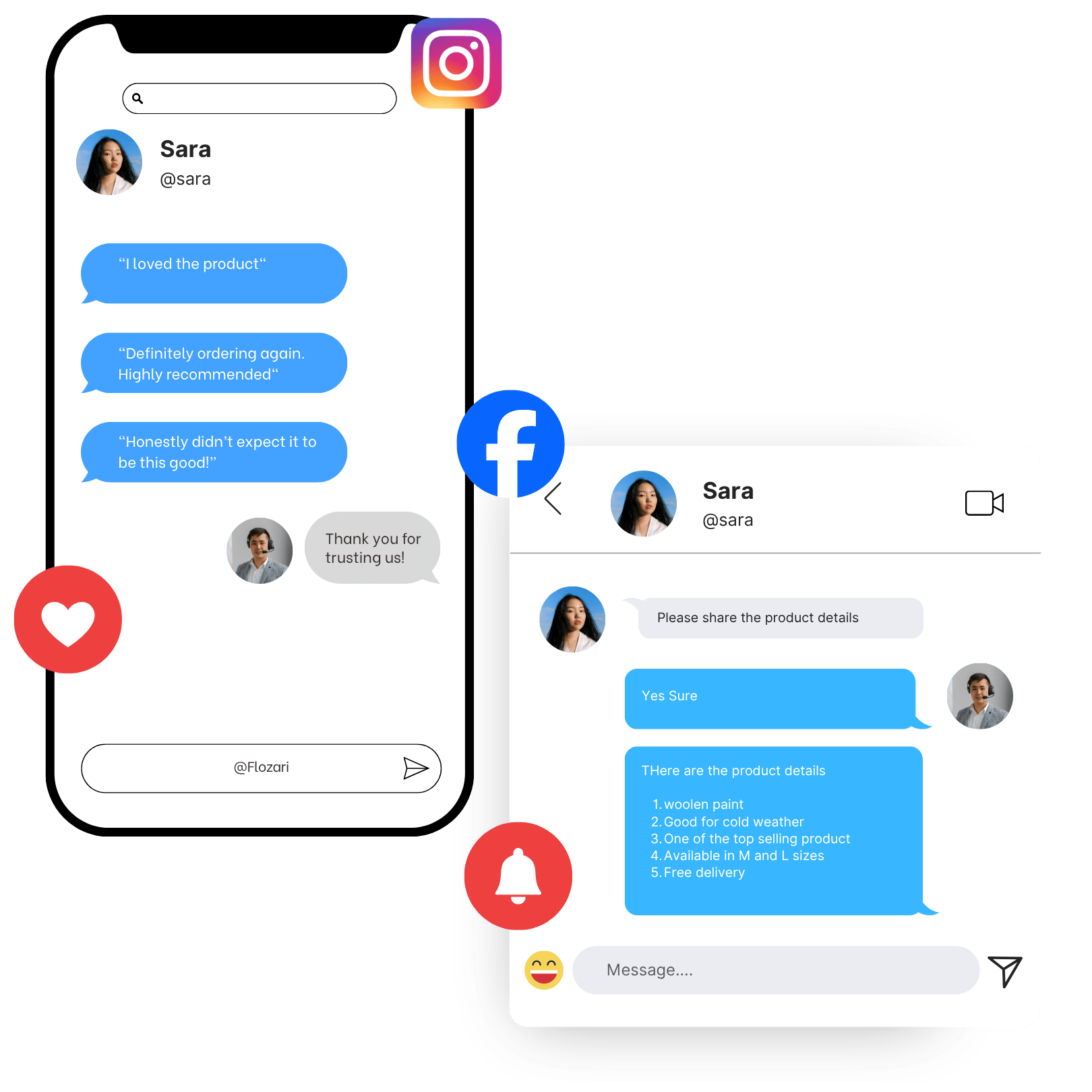
Whether you’re active on Instagram, Facebook, or both, manage your social automation from one place.
Connect your Business account, Creator account, or Facebook Pages — without switching between apps.
Keep your accounts, automations, and activity connected in one unified workspace.
The challenge
More Accounts Shouldn’t Mean More Places to Work.
When every account has its own inbox, rules, and reports, it becomes harder to see what is happening across your social presence.
The result: more friction before a useful conversation can begin.
The manual workflow
Too much happening across separate places
How Flozari helps
Connect Your Social Accounts. Keep Your Workflow Together.
Flozari brings Instagram and Facebook automation into one unified control center.
Connect the accounts you use, then build and monitor the workflows that keep conversations moving.
Other chats
Chatsϟ
Highlights☰
Menu
How it works
From Interaction to the Right Next Step
Connect your account
Authorize your Instagram Business or Creator account.
Add Facebook if needed
Optionally connect your Facebook Page in the same workspace.
Create your automation
Set up the workflows that fit each account and audience.
Manage from one dashboard
See connected conversations and activity in one place.
Benefits
Make Every Workflow Easier to Manage
One dashboard
Manage connected accounts from a unified control center.
Cross-platform reach
Bring Instagram and Facebook workflows into one workspace.
Unified analytics
See performance across connected accounts in one place.
Multi-account support
Connect multiple Instagram accounts and Facebook Pages.
Clearer workflows
Spend less time switching between separate tools.
Use cases
Built for the Work That Happens Every Day
Instagram Business
Comment automation, direct message replies, story mentions, and engagement triggers.
Instagram Creator
DM sequencing, inbound reply flows, automation, and engagement analytics.
Facebook Pages
Post comment replies, Messenger automation, lead qualification, and Page analytics.
Agencies
Organize connected client accounts and manage automation at scale.
Comparison
Separate Social Workspaces vs. One Connected Dashboard
FAQ
Questions About Instagram + Facebook
Which accounts can I connect?+
You can connect supported Instagram Business or Creator accounts and, where available, Facebook Pages.
Why connect Instagram and Facebook together?+
It gives your team a clearer way to manage automation, conversations, and activity without switching between separate workspaces.
Explore Other Features
Complete your automation toolkit with our other powerful features


Bring Your Social Accounts Into One Clearer Workflow.
Connect the accounts your business relies on and manage their conversations from one place.